
Download Visual C++ Redistributable Runtime All-in-One – Visual C++ Redistributable, Microsoft C++ Runtime, AIO, all-in-one, runtime libraries, Windows system tool, software dependency fix
Overview
The Visual C++ Redistributable Runtime All-in-One is a system tool designed to resolve software dependency issues on Windows platforms. It serves as a centralized solution for installing and managing multiple versions of Microsoft’s Visual C++ runtime libraries, spanning from 2002 through 2022. This package is particularly valuable for users who frequently install or run applications that rely on these foundational libraries, such as games, development tools, and legacy software. By consolidating all necessary redistributables into a single installer, it eliminates the need to manually search for and install individual versions, which can be time-consuming and error-prone.
The tool addresses a common pain point in Windows environments: missing or outdated runtime components that prevent applications from launching or cause crashes. Its purpose is to enhance system stability and ensure seamless execution of software that depends on C and C++ runtime libraries. The target audience includes both general users encountering installation errors and advanced users managing multiple development or gaming environments. While the developer, Ryan J. Boudreaux, is credited with the creation, no additional background information about the developer’s technical or professional history was provided.
Real-world use cases include troubleshooting applications that display error messages like “The application failed to start because MSVCP140.dll is missing” or “Visual C++ Redistributable is not installed.” By installing this AIO package, users can resolve such issues efficiently. In the broader app ecosystem, this tool plays a critical role in maintaining compatibility across diverse software, especially in environments where software updates are frequent and dependencies are complex.
Key Features & Functionality
- Comprehensive Library Support: The package includes runtime libraries from 2002 to 2022, covering all major versions of Microsoft Visual C++ redistributables. This ensures compatibility with a broad range of software, including older applications that require legacy libraries and newer programs that depend on the latest runtime versions.
- Simplified Installation Methods: Users can choose between a single EXE installer for ease of use or a manual unzip option for greater control. The EXE method automates the entire process, while the manual method allows users to inspect and selectively deploy files, catering to both novice and advanced users.
- Automatic Updates and Cleanup: During installation, the tool identifies and removes outdated redistributable versions before installing the latest ones. This helps prevent conflicts between multiple versions and ensures that only the most current and secure libraries are active on the system.
- CMD Installation Scripts: The package includes batch scripts that enable command-line execution for installation and uninstallation. These scripts are ideal for system administrators or power users who need to deploy the runtime libraries across multiple machines or integrate them into automated setup workflows.
- Wide Compatibility: By bundling all critical redistributables, the tool reduces the likelihood of software dependency errors. It is especially useful in environments where multiple applications with varying runtime requirements coexist, such as development workstations or gaming PCs.
For example, a user installing a game that requires Visual C++ 2015–2022 can avoid manual troubleshooting by using this AIO package. Similarly, a developer working on multiple projects with different runtime dependencies can maintain a clean and consistent system environment without repeated manual installations.
Interface, UX & Performance
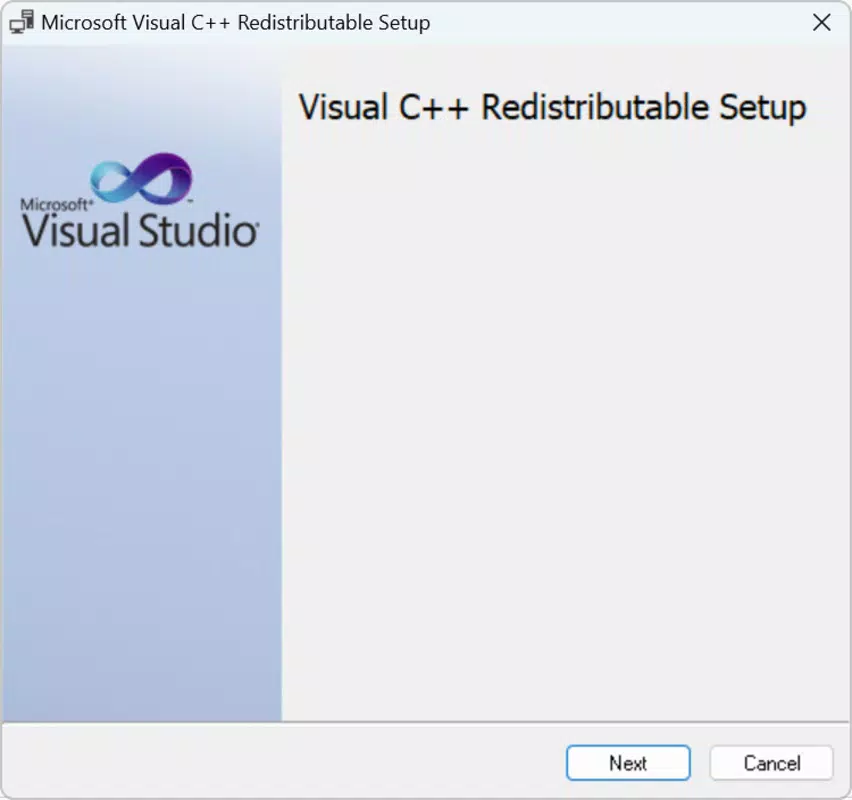
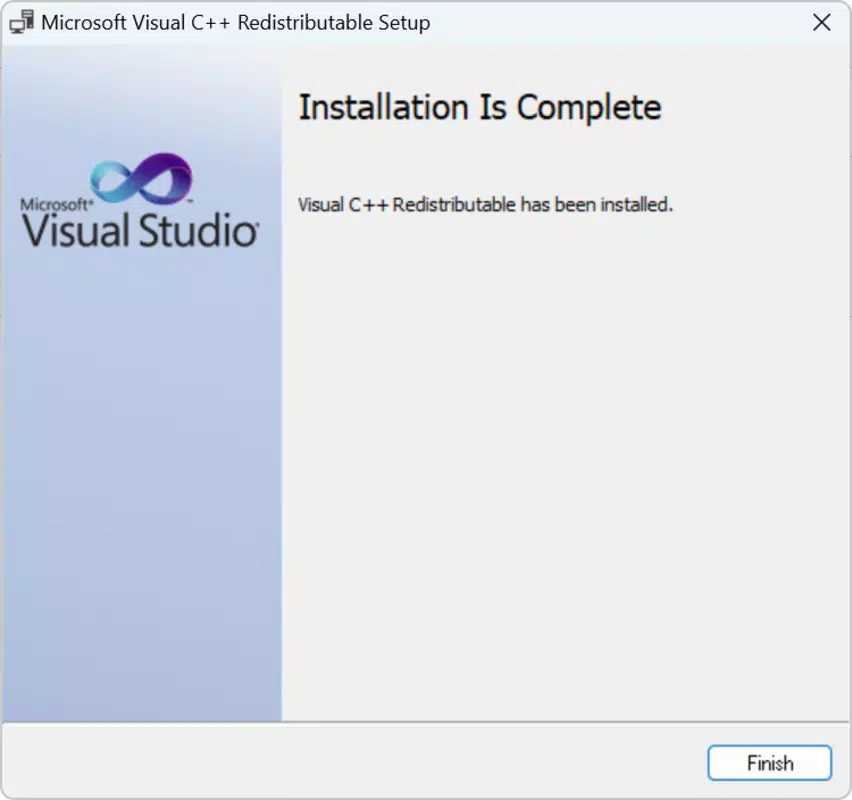
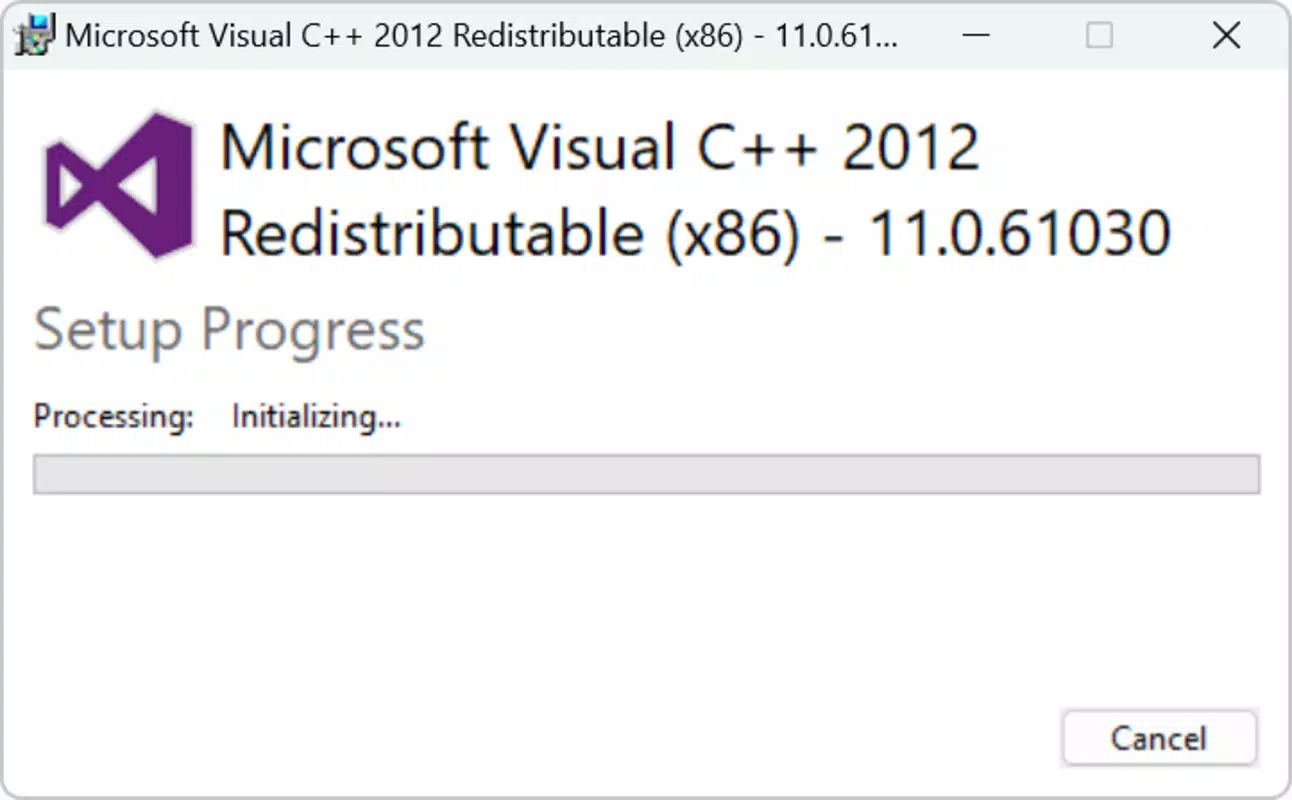
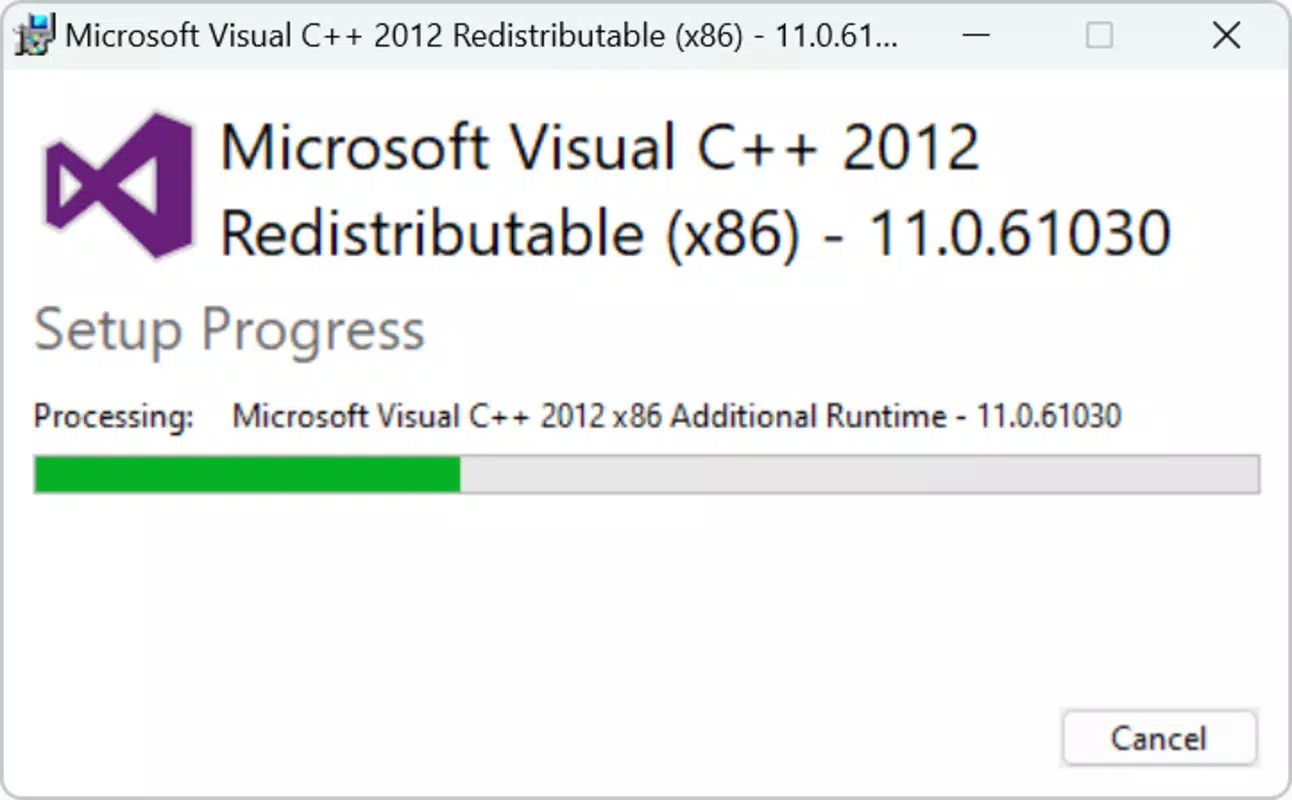
The Visual C++ Redistributable Runtime All-in-One features a minimalistic interface focused on functionality rather than visual polish. The installer presents a clean, text-based setup flow with clear options for installation method selection. Users are guided through the process with straightforward prompts, minimizing confusion. Navigation is intuitive, with no complex menus or hidden settings, making it accessible to users with limited technical expertise.
Performance is optimized for system stability. Although the developer did not list formal performance metrics, the tool operates efficiently during installation and cleanup tasks. It does not consume excessive CPU or memory resources during execution, which helps prevent system slowdowns. The tool is designed to run in the background without interfering with other processes, ensuring that the installation or update process completes smoothly.
Responsiveness is consistent across different device categories, including standard desktops and laptops. The installer is lightweight relative to its purpose and does not require high-end hardware. Stability is maintained through a well-structured installation routine that avoids conflicts during runtime library deployment. The tool also avoids modifying system files beyond what is necessary for library installation, reducing the risk of unintended side effects.
Although the developer did not specify minimum OS requirements or compatibility details beyond the platform, the tool is designed for Windows environments. Users can expect reliable performance on modern Windows systems, provided the OS meets basic installation prerequisites.
Platform Compatibility & Technical Requirements
The Visual C++ Redistributable Runtime All-in-One is designed exclusively for the Windows platform. It supports the latest versions of Windows operating systems, although specific OS versions were not listed by the developer. The software version is 1.2.0, and the file size is 148.7 MB, which reflects the inclusion of multiple runtime libraries and installation scripts.
Given the nature of the tool, it is intended for use on desktop and laptop systems running Windows. The package is distributed as a single executable or a compressed archive, allowing for flexible deployment. While the developer did not specify minimum OS requirements or hardware specifications, the tool is expected to function on standard Windows systems with sufficient disk space and administrative privileges.
Compatibility information was not fully disclosed. Users should ensure they have the necessary permissions to install software and modify system components. The tool does not claim support for mobile or non-Windows platforms, reinforcing its role as a Windows-specific system utility.
Pros and Cons
- Comprehensive coverage of Visual C++ runtime versions from 2002 to 2022
- Simple installation via EXE or manual unzip
- Automatic removal of outdated versions for cleaner system management
- Includes CMD scripts for advanced users and automation
- Free to download and use
- Does not include support for non-Windows platforms
- No official documentation or changelog provided
- Compatibility with older Windows versions not explicitly confirmed
- Requires administrative privileges for installation
- May not be suitable for users unfamiliar with system-level tools
FAQ
Is the Visual C++ Redistributable Runtime All-in-One safe to use?
The tool is distributed by Ryan J. Boudreaux and is free to download. While no third-party verification was provided, the package is designed to install standard Microsoft runtime libraries, which are trusted components. Users should download from official sources to ensure integrity.
Can I uninstall the Visual C++ Redistributable Runtime All-in-One?
Yes, the tool includes uninstallation scripts and supports removal through the standard Windows control panel. The package is designed to be reversible, allowing users to remove all installed components if needed.
Does this tool work on Windows 10 and Windows 11?
Yes, the tool is compatible with modern Windows systems. While specific version support was not listed, it is designed for current Windows operating systems and should function on Windows 10 and Windows 11.
Do I need to install this tool every time I install new software?
No. Once installed, the package ensures that all necessary runtime libraries are available. You should not need to reinstall it for each new application, unless a specific version is missing or corrupted.
Is the Visual C++ Redistributable Runtime All-in-One updated regularly?
The current version is 1.2.0. The developer has not provided information about update frequency. Users are advised to check for new versions periodically to ensure they have the latest runtime components.
Final Thoughts
The Visual C++ Redistributable Runtime All-in-One is a practical and efficient solution for managing critical system dependencies on Windows. Its ability to bundle and update multiple versions of Microsoft’s C++ runtime libraries makes it an essential tool for users encountering software compatibility issues. Whether you're a casual user troubleshooting a missing DLL error or a developer maintaining a stable development environment, this tool streamlines the process and enhances system reliability.
While it lacks advanced UI features and detailed documentation, its core functionality is robust and well-executed. The inclusion of CMD scripts adds value for technical users, and the free pricing model makes it accessible to all. For anyone dealing with software that depends on Visual C++ libraries, this AIO package offers a reliable, time-saving solution.
Download Visual C++ Redistributable Runtime All-in-One now


